Writing of a Loan
Only loans in Open or Arrears state can be written off. Writing off a loan takes the remaining loan balances off the portfolio, registering them as a loss.
To write off a loan go to:
- Go to Loans>View Loans.
- In the table, you can click on "Loan Number" to open the details of the loan.
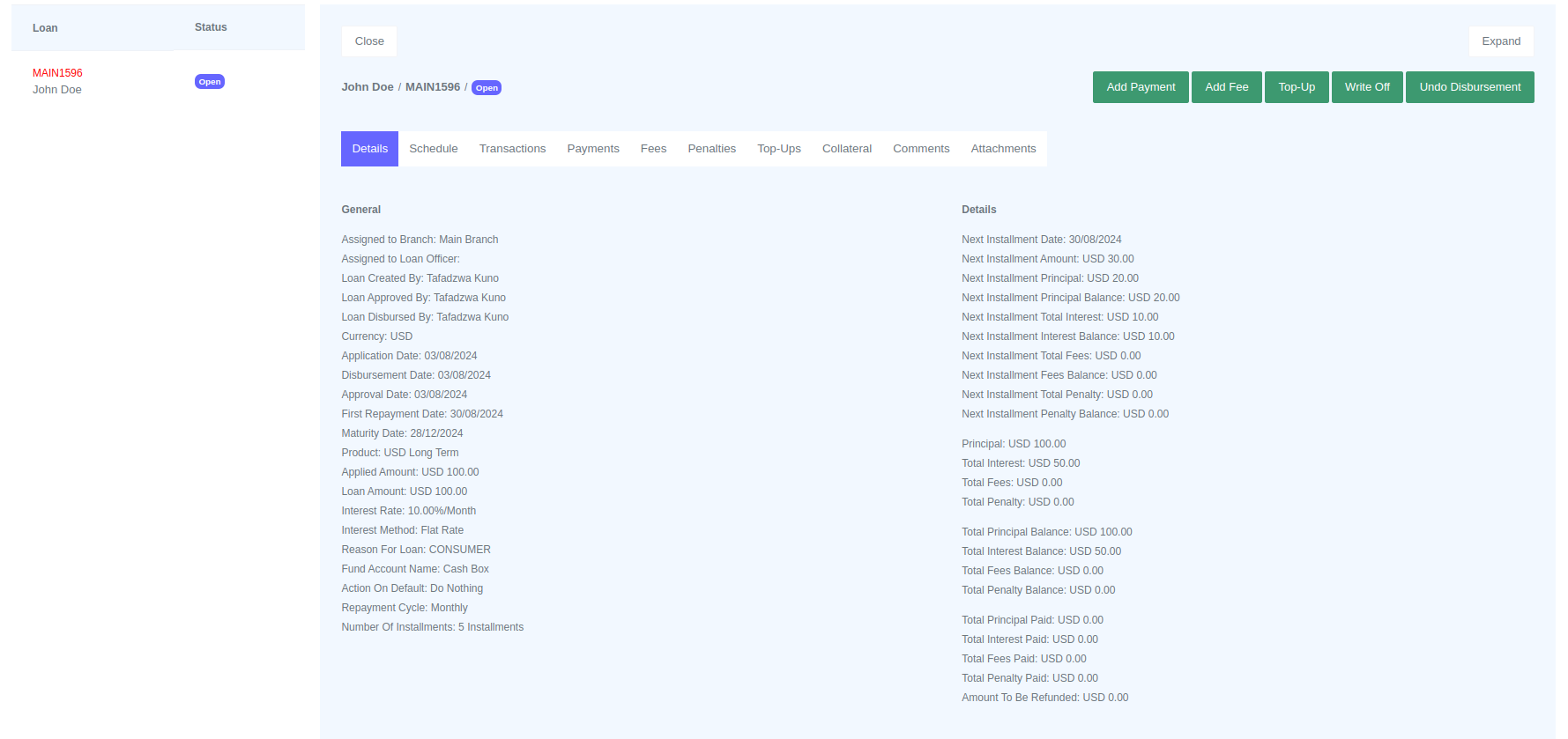
The Write Off button will appear on the top right corner along with other buttons.
This will settle the remaining loan balances, and close the loan, changing its state to Written-off .